This article explains how to proceed if you have forgotten the password from UCServer administration or MetaDirectory administrator.
| State of knowledge | July 2026 |
|---|
| Product relevance | estos ProCall 8 Enterprise estos MetaDirectory 6 Enterprise |
|---|
This article explains what to do if you have forgotten the password for the estos UCServer Administration or for estos MetaDirectory Administrator.
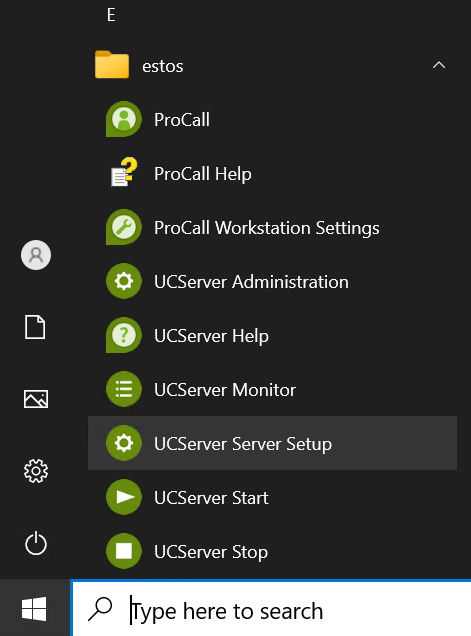
Start the UCServer Server Setup (in the Start menu\ESTOS\UCServer):
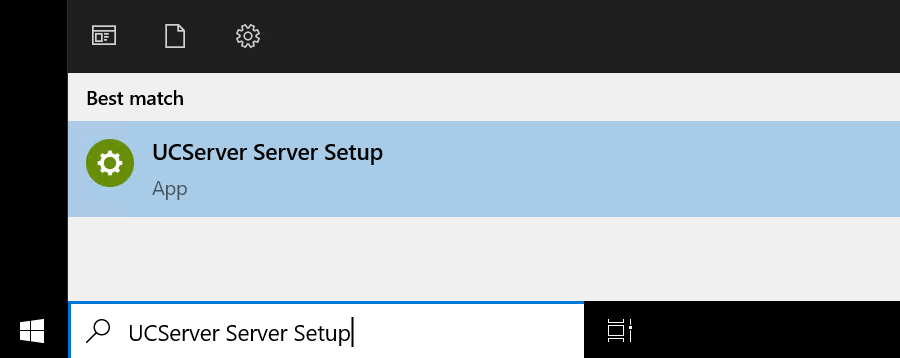
Alternatively, enter UCServer Server Setup in the search bar to launch this program:
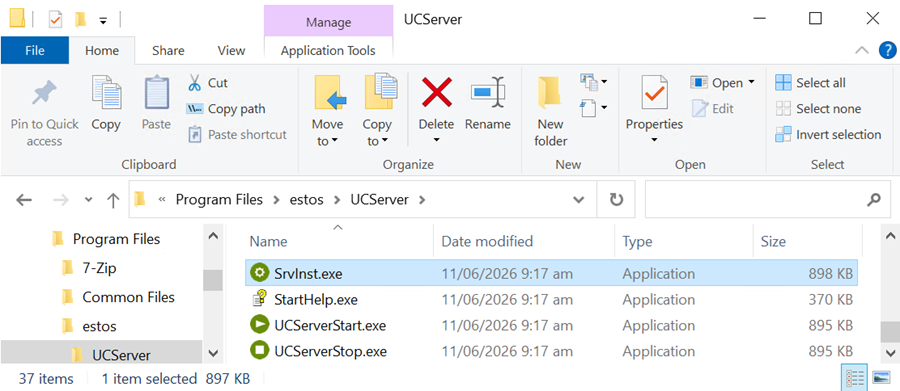
As a further alternative, you can also launch this application SrvInst.exe in the ProCall Enterprise Server installation directory (default: C:\Program Files\estos\UCServer) directly via Microsoft Windows File Explorer launch:
In the following steps, you can then set a new password .
Reset MetaDirectory administrator password