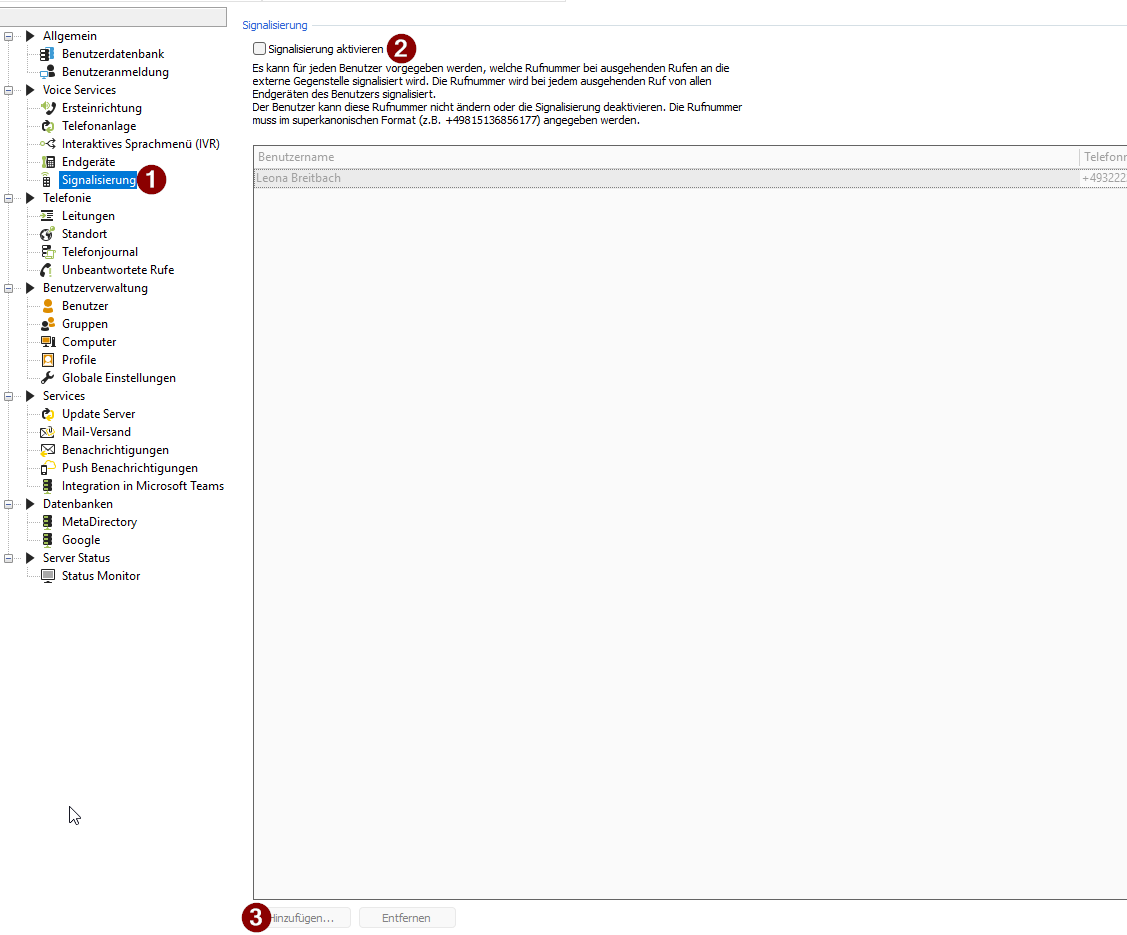
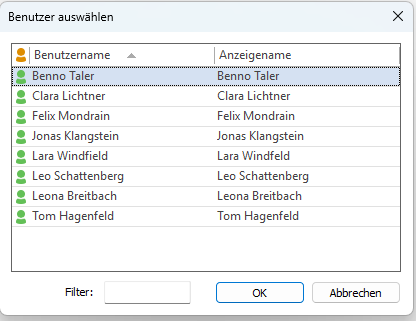
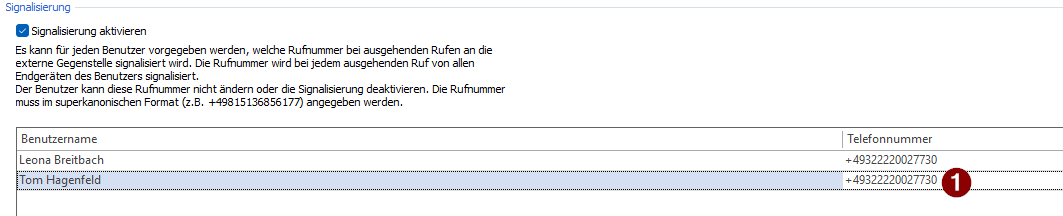
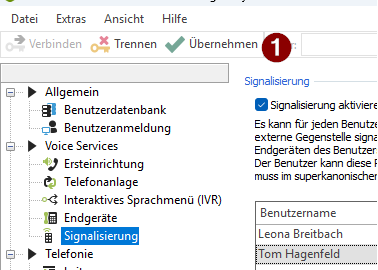
Knowledgebase ProCall NEX Current: Setting up signalling - Administratively assigning phone numbers to users for outgoing calls Setting up signalling - Administratively assigning phone numbers to users for outgoing calls State of knowledge Mai 2026ProCall NEX Voice Services Enable SignallingTo enable users to make calls to a central number, the following settings must be configured in the UCServer administration. The phone number set is then administratively assigned; users cannot change it themselves or disable the signalling. Open the UCServer Administration, go to "Signalling" and enable "Enable signalling" by ticking the box, then click on "Add...".Example screenshot: UCServer Administration – Voice Services – Signalling – Enable signalling and "Add"Select userThe "Select User" window will then open, where you can add the users for whom you wish to set up the signalling.Example screenshot: UCServer Administration – Signalling – Select userOnce you have added the users, you can enter the phone number that should be displayed to the recipient when these users make outgoing calls. Enter your phone numberSave/Apply changesClick Apply to save your changes.Example screenshot: UCServer Administration – Voice Services – Signalling – Apply